
Smart Routing · Auto-Responses
Email & Communication Automation Services
Your team spends hours every day reading, sorting, forwarding, and responding to emails. Our automation workflows classify incoming messages, route them to the right person or team, trigger appropriate responses, and manage follow-up sequences - so nothing falls through the cracks.
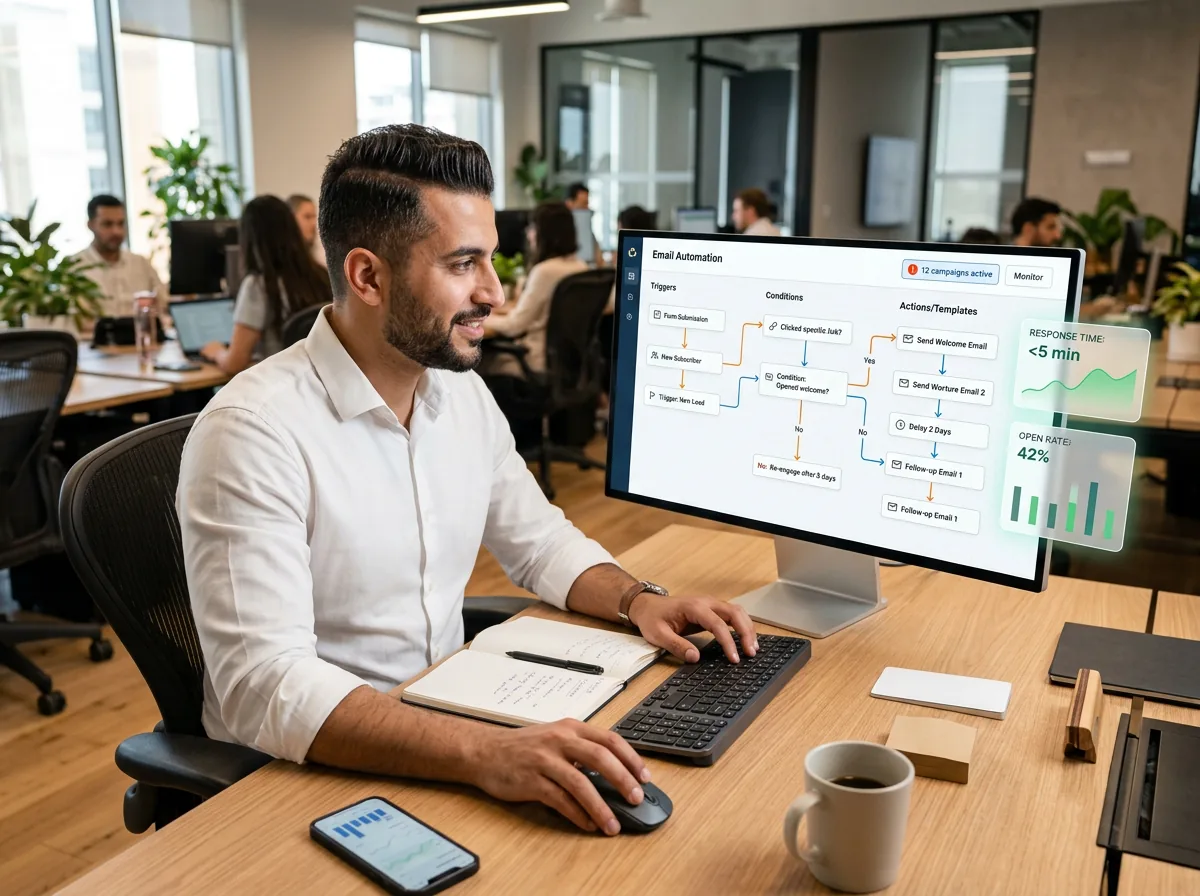






Email Automation
Every message handled. No inbox overwhelm.
Email is still the primary communication channel for most businesses, but managing it manually creates bottlenecks, delays, and dropped balls. Our email automation workflows solve this with intelligent classification that reads incoming emails and categorizes them by type (inquiry, complaint, order, support request), smart routing that sends messages to the right department or person based on content, sender, and priority, automated responses that acknowledge receipt and provide immediate answers to common questions, follow-up sequences that ensure no inquiry goes unanswered, and CRM integration that logs every communication to the correct contact record. The result: response times drop from hours to minutes, nothing gets lost in shared inboxes, and your team focuses on conversations that require human judgment rather than sorting and forwarding.
Why Automate Email
What changes when email handles itself

90% Faster Response Times
Automated acknowledgment and initial responses go out within seconds of receipt. Routing to the right team member happens instantly instead of waiting for someone to read, categorize, and forward.

Zero Missed Messages
Every incoming email is logged, categorized, and tracked. Automated follow-up reminders ensure that messages requiring human response are never forgotten or buried in overflowing inboxes.

Intelligent Classification
AI-powered classification reads email content and assigns categories: sales inquiry, support request, vendor communication, billing question, complaint, or any custom category specific to your business.
Automated Follow-Up Sequences
Set up drip sequences for leads, onboarding emails for new clients, reminder sequences for outstanding items, and re-engagement campaigns - all triggered automatically based on recipient behavior.

CRM & Helpdesk Integration
Every email is logged to the correct contact record in your CRM. Support requests create helpdesk tickets automatically. Sales inquiries are added to your pipeline with the right stage and owner.

Template Management
Maintain a library of approved response templates for common scenarios. Templates are dynamically personalized with recipient name, company, order details, and other merge fields pulled from your systems.
How It Works
From inbox chaos to automated flow
Classify
Incoming emails are read by AI and classified by type, priority, and intent. Sender information is matched against your CRM to add context.
Route
Messages are sent to the right person, team, or queue based on classification rules. Urgent messages are flagged and escalated immediately.
Respond
Automated acknowledgments go out instantly. For common questions, full responses are sent using approved templates. Complex inquiries are queued for human reply.
Track
Every message is logged to your CRM or helpdesk. Follow-up reminders are set for messages awaiting response. SLA tracking ensures nothing exceeds response time targets.