
Managed document capture and organization
Document Processing Services
Turn PDFs, scanned forms and document backlogs into organized files and usable records. Acelerar manages extraction, classification, indexing and checking, then delivers the agreed output to your spreadsheet or document system.






Document Processing Outsourcing
What are document processing services?
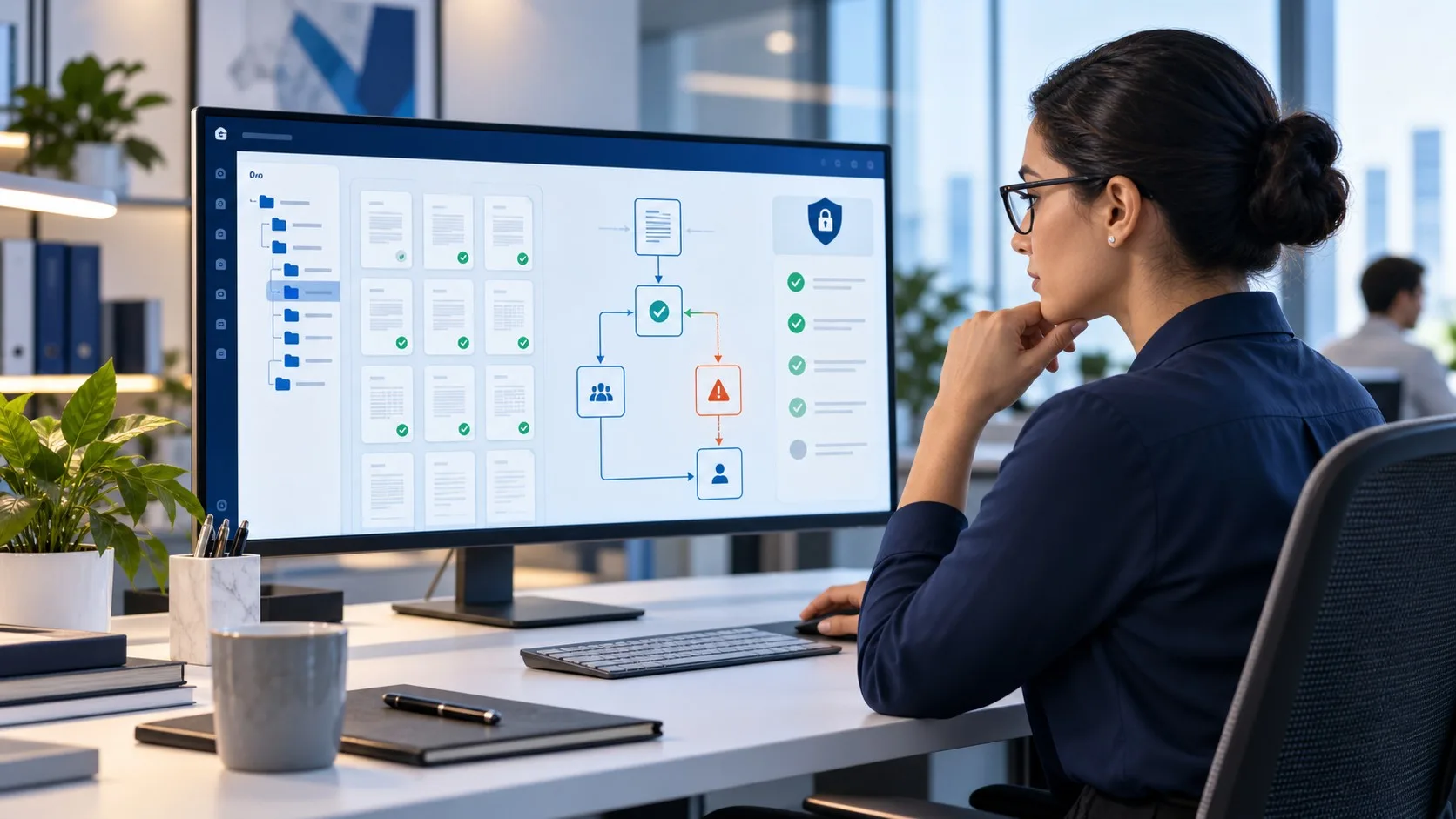
Business document processing turns the information in files into records your team can find and use. The work can include preparing scans, extracting named fields, sorting documents, adding index information and delivering the results in your chosen format. Outsourcing paperwork processing brings those tasks under a managed team. We first review a sample to establish the source quality, required output and any questions that need your team’s judgment.
What We Process
From stacks of paper to structured, searchable data
Document digitizing and scan preparation
Document digitizing starts by checking the available files and the output you need. We can prepare supplied scans, standardize file names and organize folders for retrieval. If you have physical paper, we agree the scanning, transfer and handling arrangements before accepting it; do not send originals before those arrangements are confirmed.
See data conversion services →
OCR & data extraction
We extract agreed fields such as names, dates, references and amounts from PDFs, scans and forms. OCR can assist with readable printed text, with manual checks for unclear or inconsistent entries. Output can be a spreadsheet or an agreed import file. Illegible information is flagged rather than guessed.
See form processing services →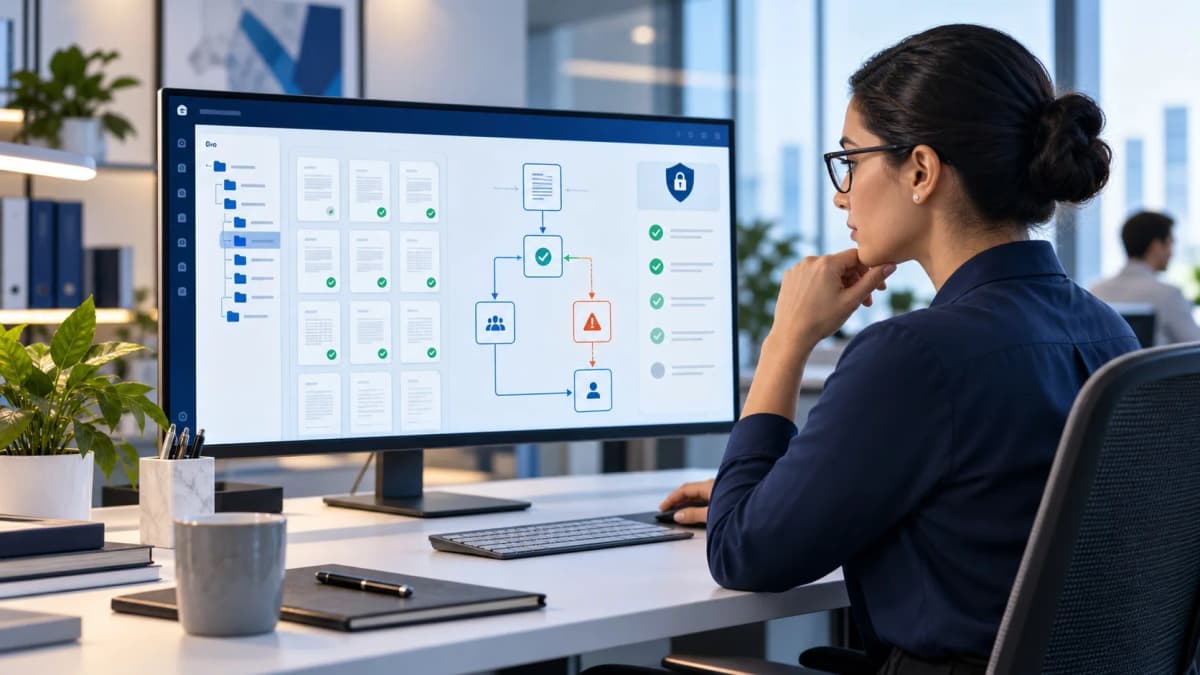
Document classification & indexing
We sort documents into the agreed types and add index fields such as date, account, reference or department. This makes it easier to find the right file and route it to the next team. A sample confirms the categories and how to handle documents that could belong in more than one group.
See data processing services →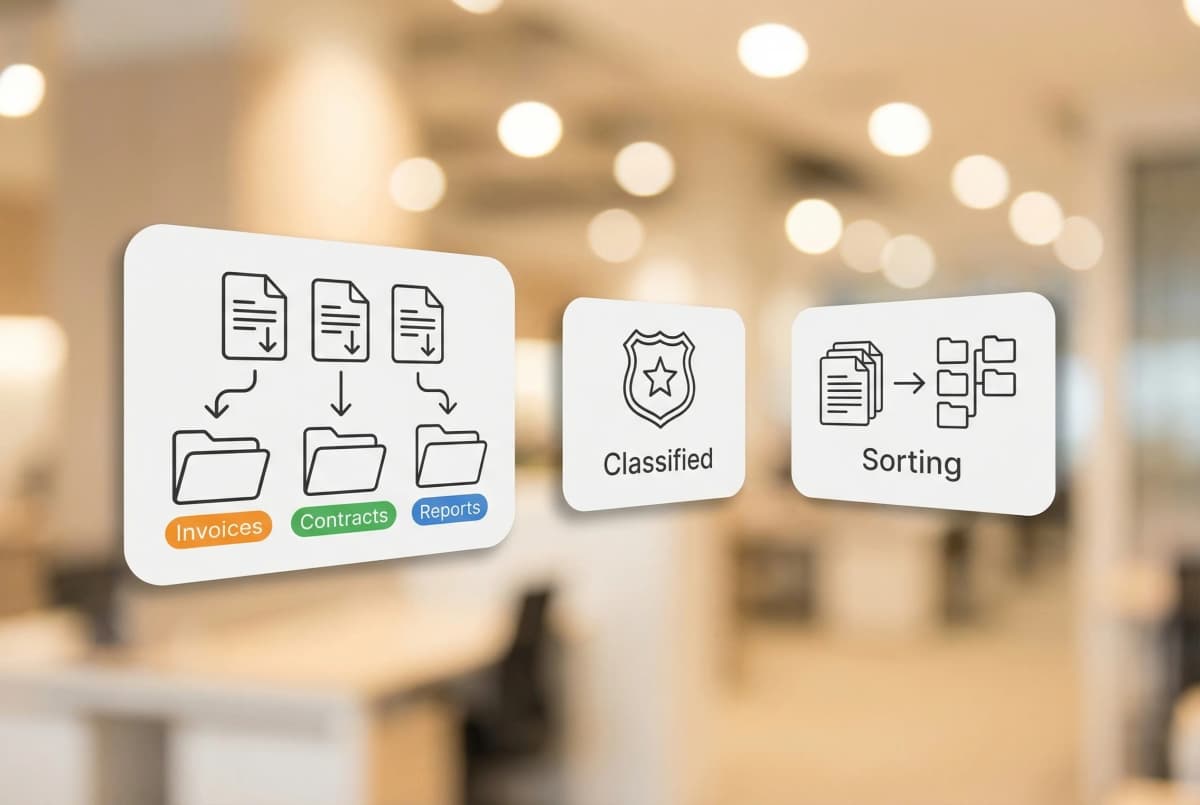
Document organization for your existing system
We organize processed documents using your folder structure, naming rules and required metadata. Files can be prepared for upload to your existing document management system. Retention rules, permissions and any technical integration are agreed with your team; the service does not decide legal retention periods for you.
See data management services →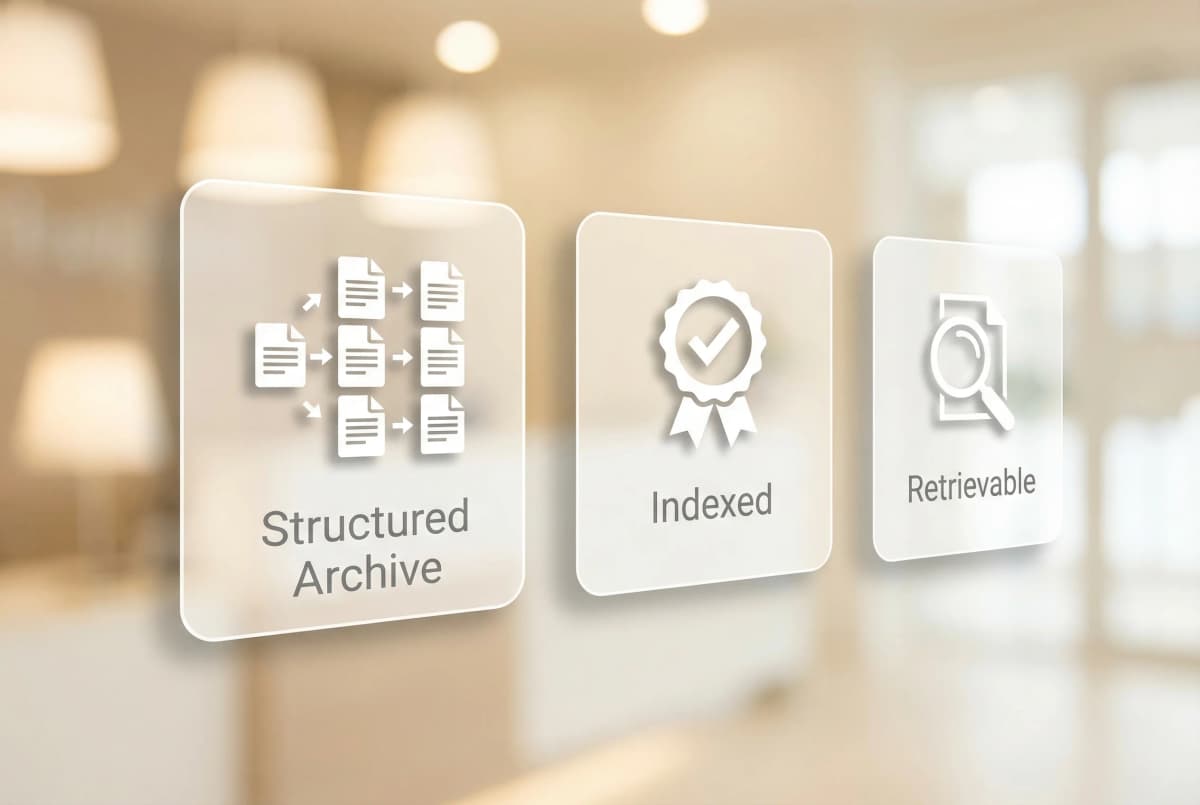
Should you process documents in-house or outsource the work?
- In-house
Your business recruits, trains and supervises the people doing the work. Compare staff time, tools, checking and cover for absence against the workload you actually need handled.
- With Acelerar
Acelerar manages the team and checks the agreed work. Your quote reflects volume, complexity and schedule; include the time your team needs for decisions and final review when comparing options.
Why Outsource Document Processing
Why businesses outsource document processing to Acelerar

Checked records
The team checks extracted information against the supplied documents and corrects entry errors within the agreed work. We keep unresolved source questions separate from completed work.

Processing suited to your documents
Invoices, forms, contracts and other business records can need different fields and handling rules. Send representative examples so we can confirm fit before estimating the full workload.

Security agreed before access
Acelerar is ISO 27001 and ISO 9001:2015 certified. We use NDAs and secure file transfer protocols. We agree on account access and document handling before work starts. Sector-specific handling requirements must be agreed before sensitive records are shared.

A team we manage for you
Acelerar manages the processing team and quality checks. Your team retains decisions about unclear source information and how the finished records will be used.

Backlogs and recurring batches
A project can clear a defined backlog while an ongoing arrangement handles new files. We agree capacity and priorities against your expected volume rather than promising unlimited processing.

A schedule based on a sample
Document length, scan quality, fields and unclear entries affect turnaround. We use a representative sample to agree batch sizes and delivery dates for your deadline.
Tools and Human Review
Where OCR helps, and where a person checks the document
The processing method follows the source material. A sample shows which fields can be extracted reliably and which require manual handling.
Extract readable text
OCR can reduce retyping when scans are readable. We assess the layout and required fields before choosing a tool or manual entry method.
Sort recurring document types
Agreed rules help separate invoices, forms and other files into the correct groups. Unusual layouts and uncertain classifications need review.
Check unclear records
Missing fields, conflicting values and unreadable text are collected as questions. Your team receives those separately from completed records.
Review the output, not just the extraction. A readable spreadsheet is only useful if the records match the documents and work in the system where you need them. The sample checks both before the main batch.
How It Works
From raw documents to structured data in 5 steps
Review your documents
Share representative files through the agreed transfer method. We confirm the fields, output format, handling requirements and schedule.
Prepare the files
Put your digital files into a consistent format and agree any scanning requirements before physical records are moved.
Extract and classify
Capture the named fields and sort documents using the categories and index rules agreed for the task.
Check and resolve
Check the records against the source and separate unreadable or conflicting information for your team to resolve.
Deliver the output
Deliver the spreadsheet, import file or organized documents. Check that the first batch works in your spreadsheet or document system before continuing.
We work with your document management tools
We agree how the team will use your software and what access they need before starting.



What a client says about Acelerar’s data projects
“Acelerar is outstanding to work with. Our contact Shriyam and team are responsive and have great attention to detail. We will continue to use Acelerar for data projects and would highly recommend them for data outsourcing.”
Start with a sample of your documents
- Choose files that reflect the work
Include different layouts and scan quality so the sample reflects your documents.
- Check the output where you will use it
Review the records in your spreadsheet or document system, with unclear entries listed separately.
- Plan the remaining batches
Confirm priorities and delivery dates before sending the rest of the backlog.
Document Processing Services FAQs
What is document processing?
Document processing captures and organizes information from files so it can be used in a business system or retrieved later. Depending on the task, it can include scan preparation, field extraction, classification, indexing and delivery of structured records.
What types of documents can you process?
We review invoices, application forms, contracts, claims documents and other business records. Share examples of the formats and any sensitive-data requirements so we can confirm the scope. Physical paper needs an agreed scanning and handling arrangement before transfer.
How much does document processing outsourcing cost?
Cost depends on file and page count, scan quality, required fields, classification rules, output format and deadline. We review a sample and provide a quote identifying the billing basis and included checks. A simple typed form and a long mixed-layout file require different effort.
What accuracy rate do you guarantee?
Acelerar offers a 99.5% accuracy SLA. We check the agreed work against the supplied source and correct entry errors within the agreed work. Missing or illegible source information is returned as a question for your team.
Can you process handwritten documents?
We can review handwritten forms for manual entry or assisted extraction. The sample establishes what is legible and how unclear entries should be flagged. We do not fill missing text by guessing.
How do you handle document classification and indexing?
We agree the document categories and index fields, then sort and label files accordingly. Common fields include document type, date, account and reference number. The first batch confirms that the output is easy to find in your folder or document system.
Is my data secure during document processing?
Acelerar is ISO 27001 and ISO 9001:2015 certified. We use NDAs and secure file transfer protocols. We agree on account access and document handling before work starts. Tell us about any sector-specific restrictions before sharing the records so we can confirm the required handling.
What output formats do you deliver?
Common outputs are Excel or CSV records, organized digital files and imports prepared for an agreed destination. Searchable PDF, JSON or XML requirements are reviewed with the sample. We confirm the actual format and required fields before processing.
Can you integrate with our existing document management system?
We can prepare files and metadata for your approved system or work within the access you provide. We confirm the upload process for systems such as SharePoint or DocuWare when planning the work. Custom integrations and system configuration are separate requirements.
What is the difference between document processing and data entry?
Data entry captures source information in a target file or system. Document processing can also cover organizing the source files, classifying them and adding index information for retrieval. If you only need fields entered from an existing source, a data entry service may be sufficient.
How do you handle large-volume document processing backlogs?
We separate the backlog from incoming files, agree which records have priority and schedule batches against available capacity. A sample shows how much work is needed and which records may need clarification. You receive a progress update showing completed work and outstanding questions.
Do you offer ongoing document processing or only one-time projects?
Both. You can outsource a defined backlog or send recurring batches on an agreed schedule. New clients can request the three-hour trial for an eligible document task: one per company, with no card or paid-plan commitment. The task and eligibility are confirmed before starting. Accounting and bookkeeping are excluded from the trial.